Website
All your lists in the browser, the same as on your phone.
PlannedProduct tour
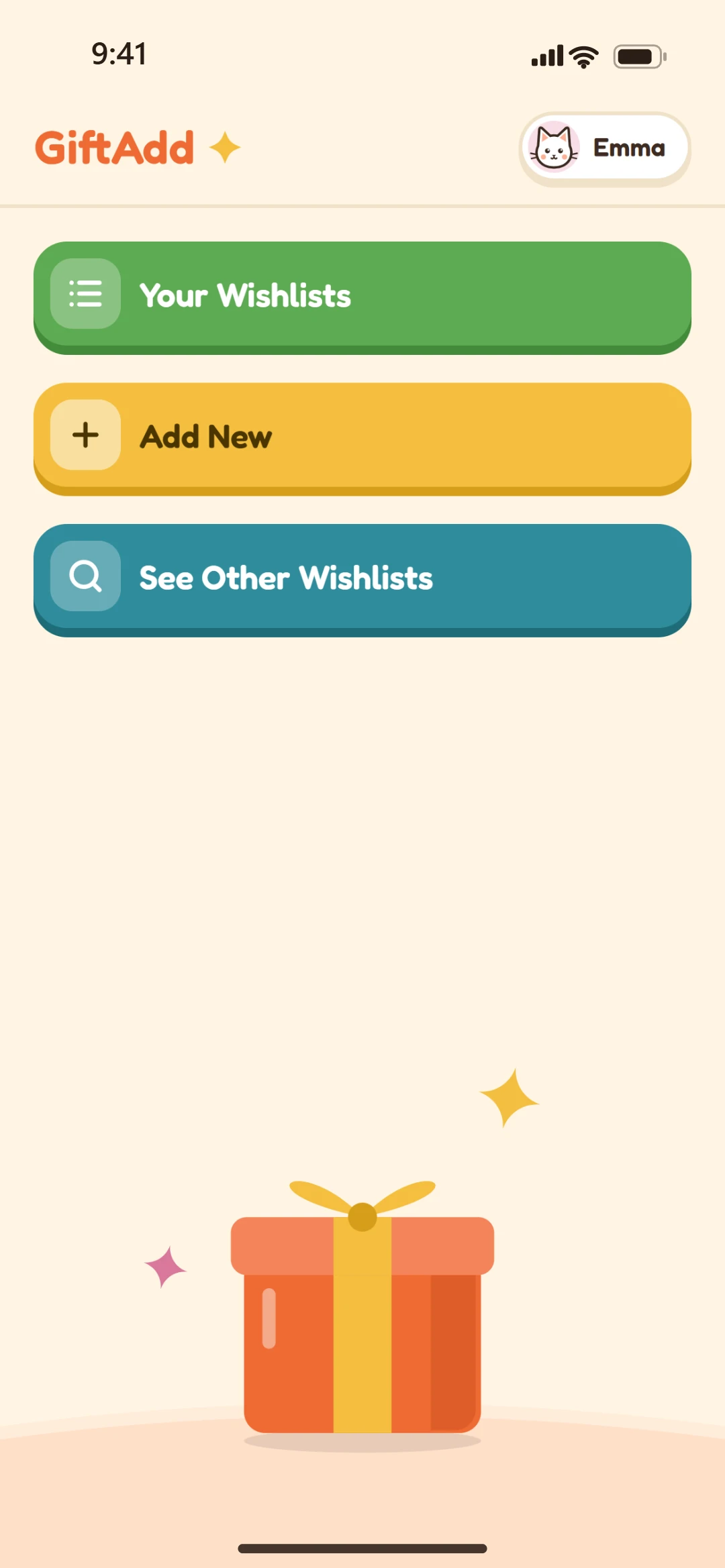
Wishlists you keep to yourself or share, gifts you tick off, and friends you add with a scan. Here's how it all works.
1Lists
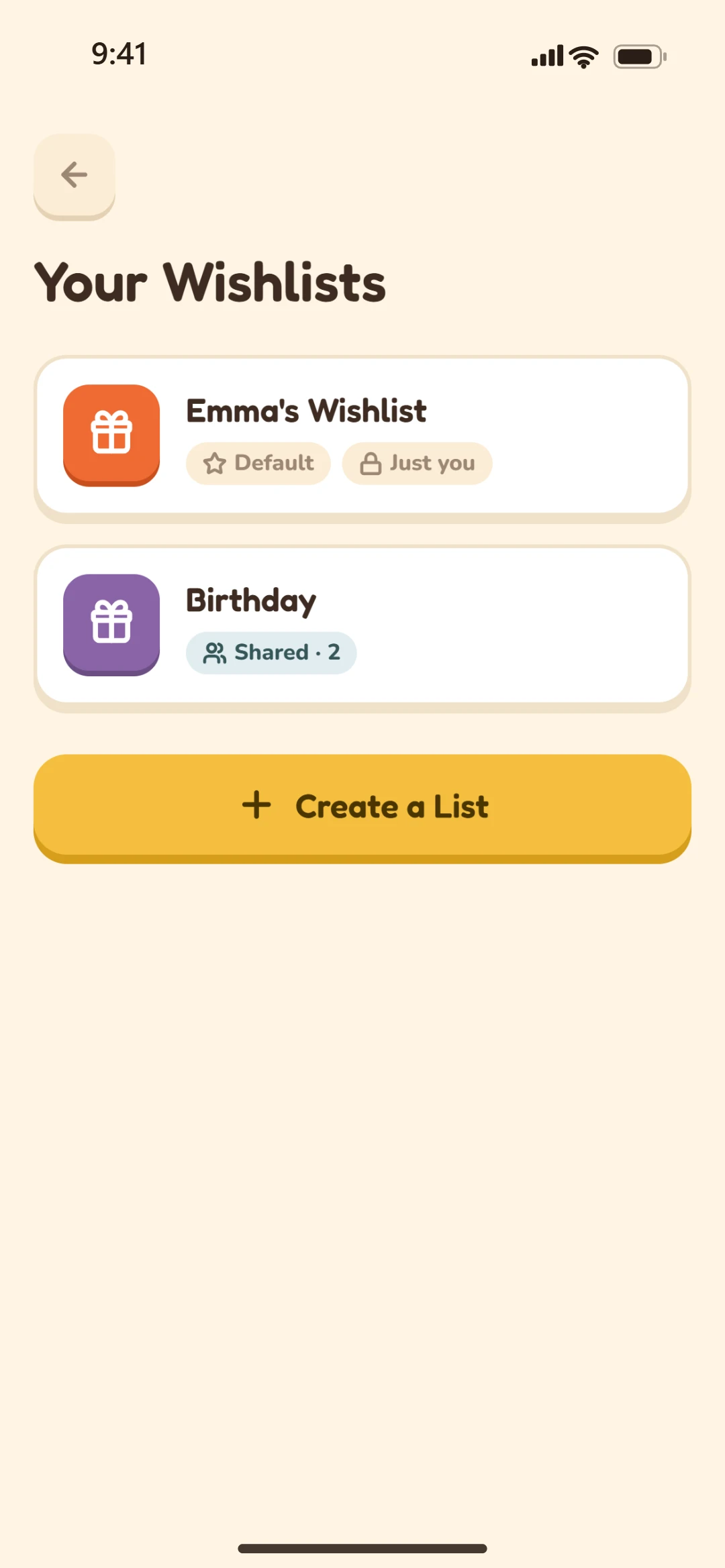
Birthdays, Christmas, a new home: give each list a name, one of six colors, a currency and a layout. Tap a list's name to change any of it later.
Everyone starts with a wishlist of their own. It can be shared like any other list, and it's always there.
2Wishes
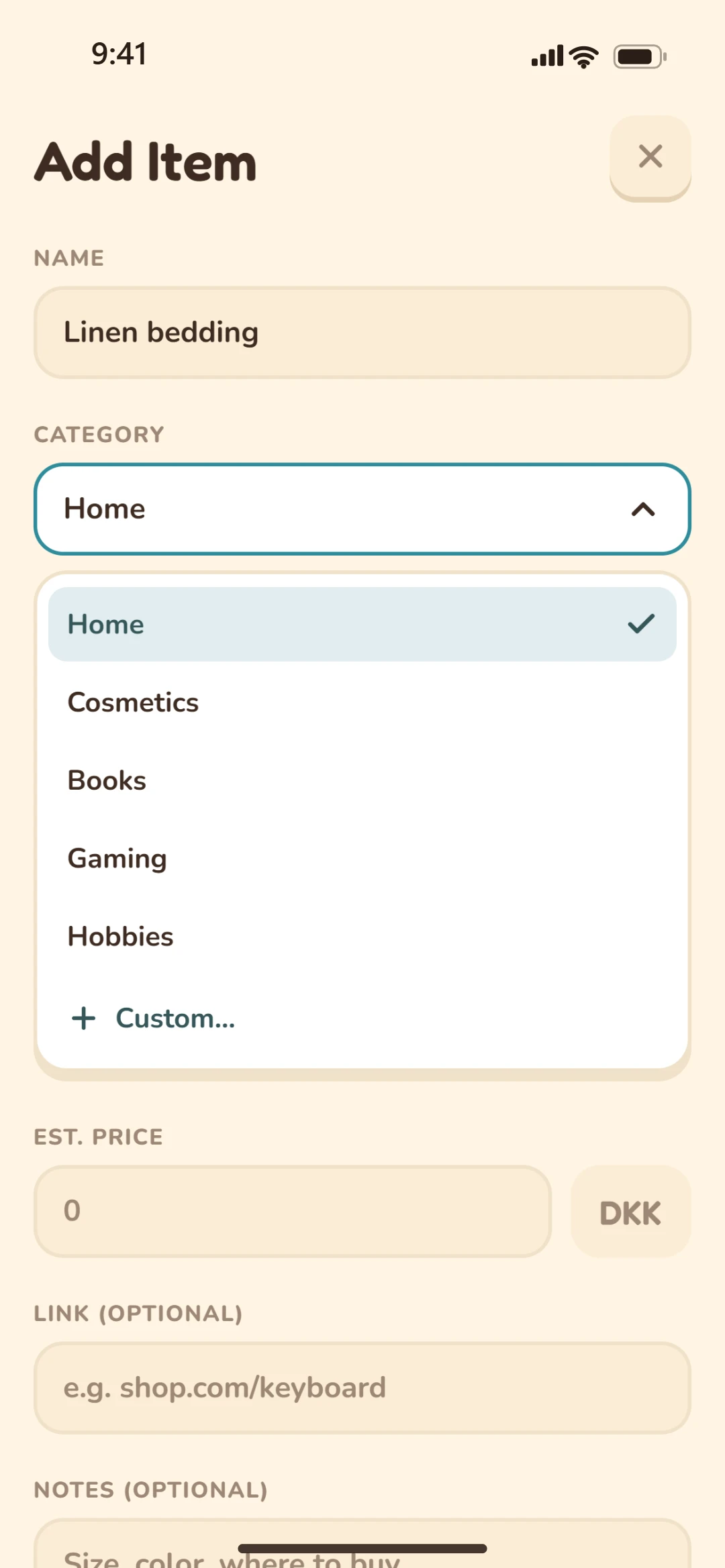
A name, a category and an estimated price, plus a link to the shop, notes like the size or color, and a picture if you like.
Pick a category or make your own: it's saved for next time, right there in the picker. You can edit or delete the wishes you added at any time.
3Sharing
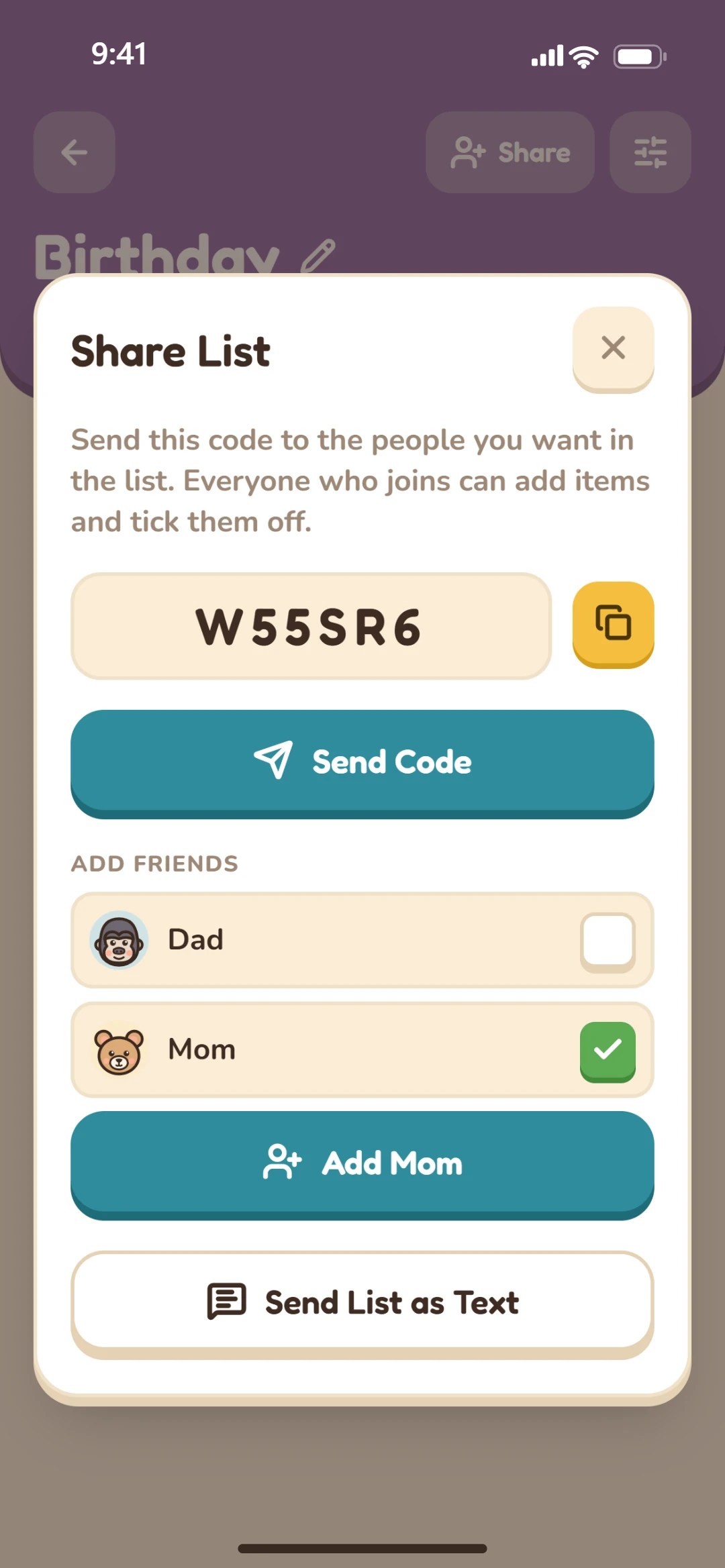
Every list has a short code. Send it, and whoever types it in under See Other Wishlists joins. Friends are quicker still: tick them and they're in.
Anyone in a list can share it further. Or send the whole list as tidy text to any chat app.
4Layouts
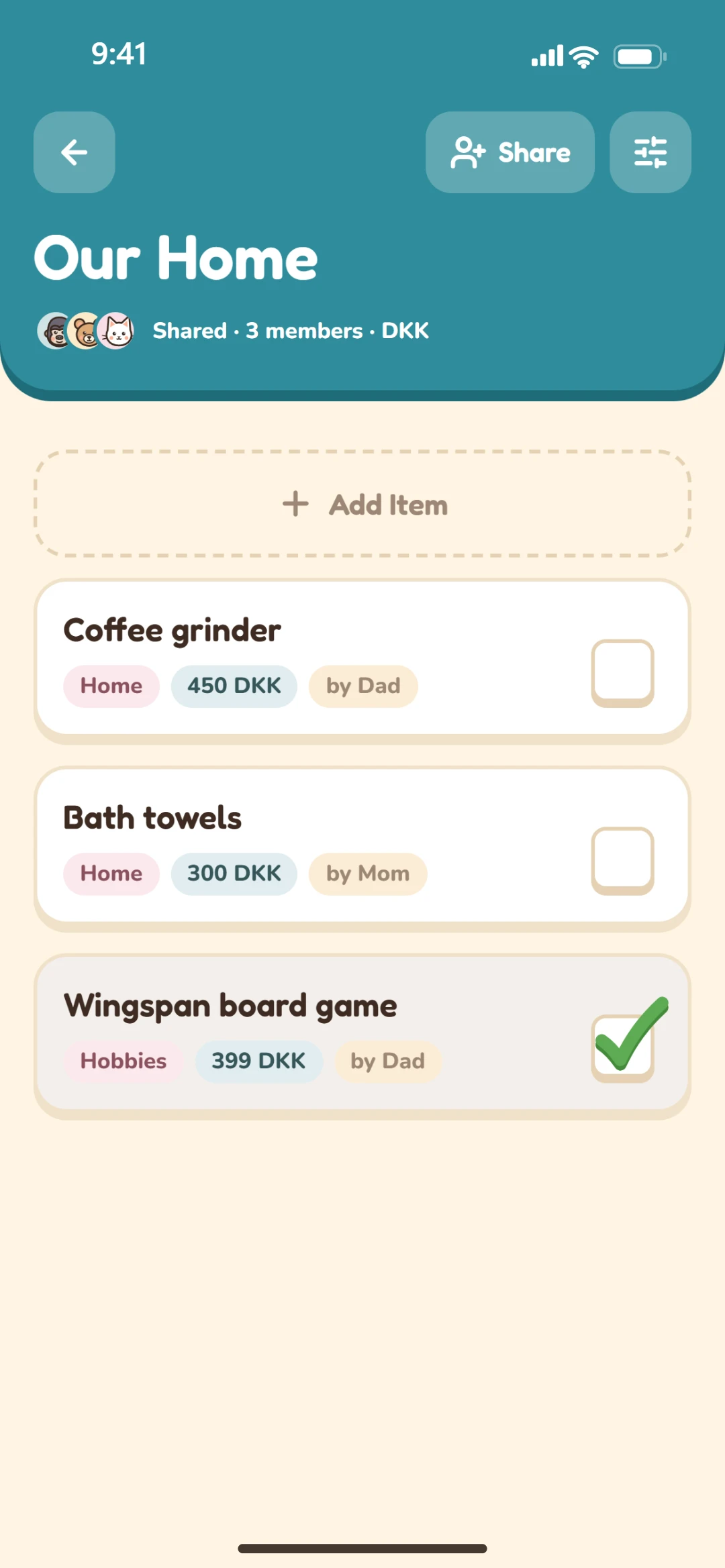
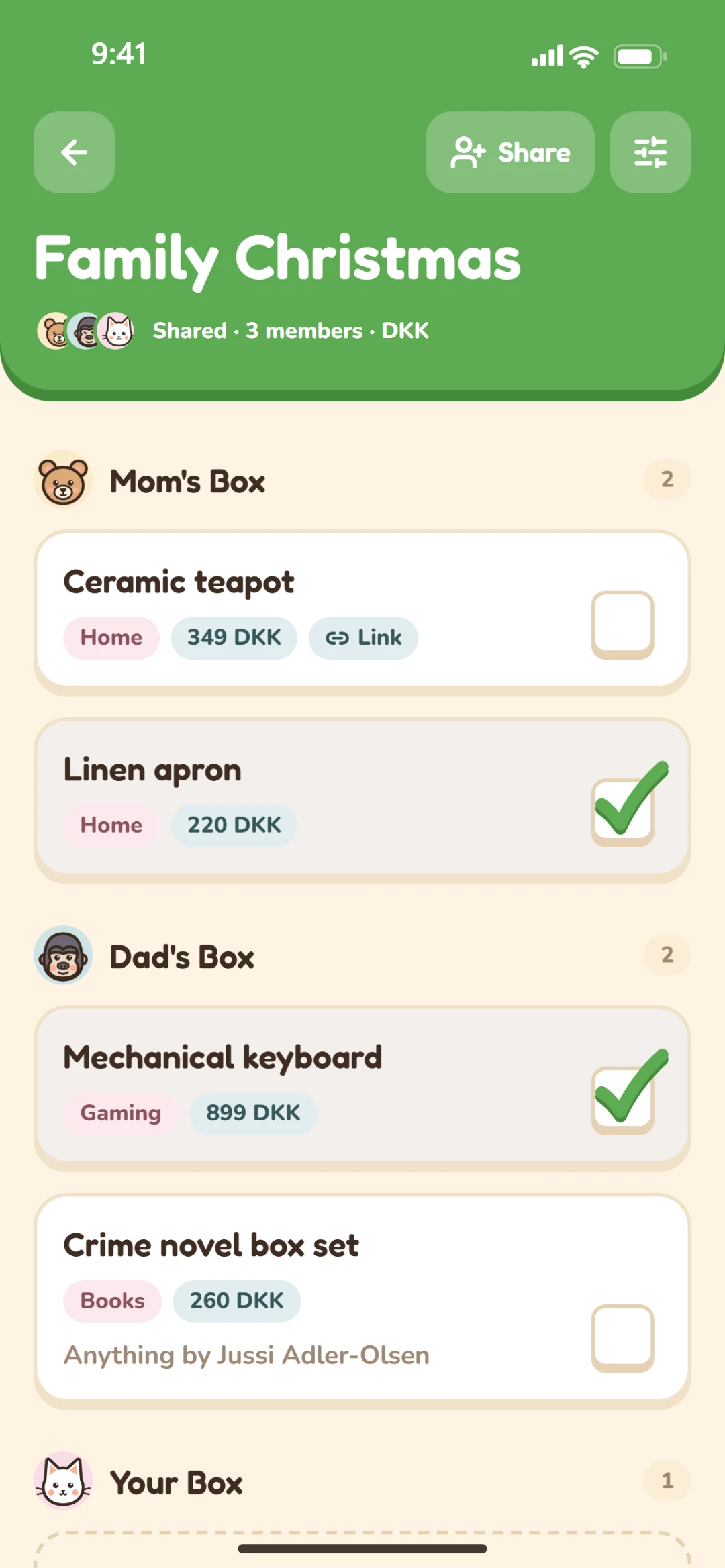
Give everyone their own section, like Mom's Box and Dad's Box, or keep it all together in one pool with a "by Dad" on each wish, the way a household list works.
Everyone can add their own wishes either way.
5Ticking off
Bought something? Tick its box, like on an exam paper. The card turns a little grey and everyone in the list knows it's taken.
The person who wished for it sees the tick too, so they don't buy it for themselves. Who ticked it is never shown, or even saved.
6Friends
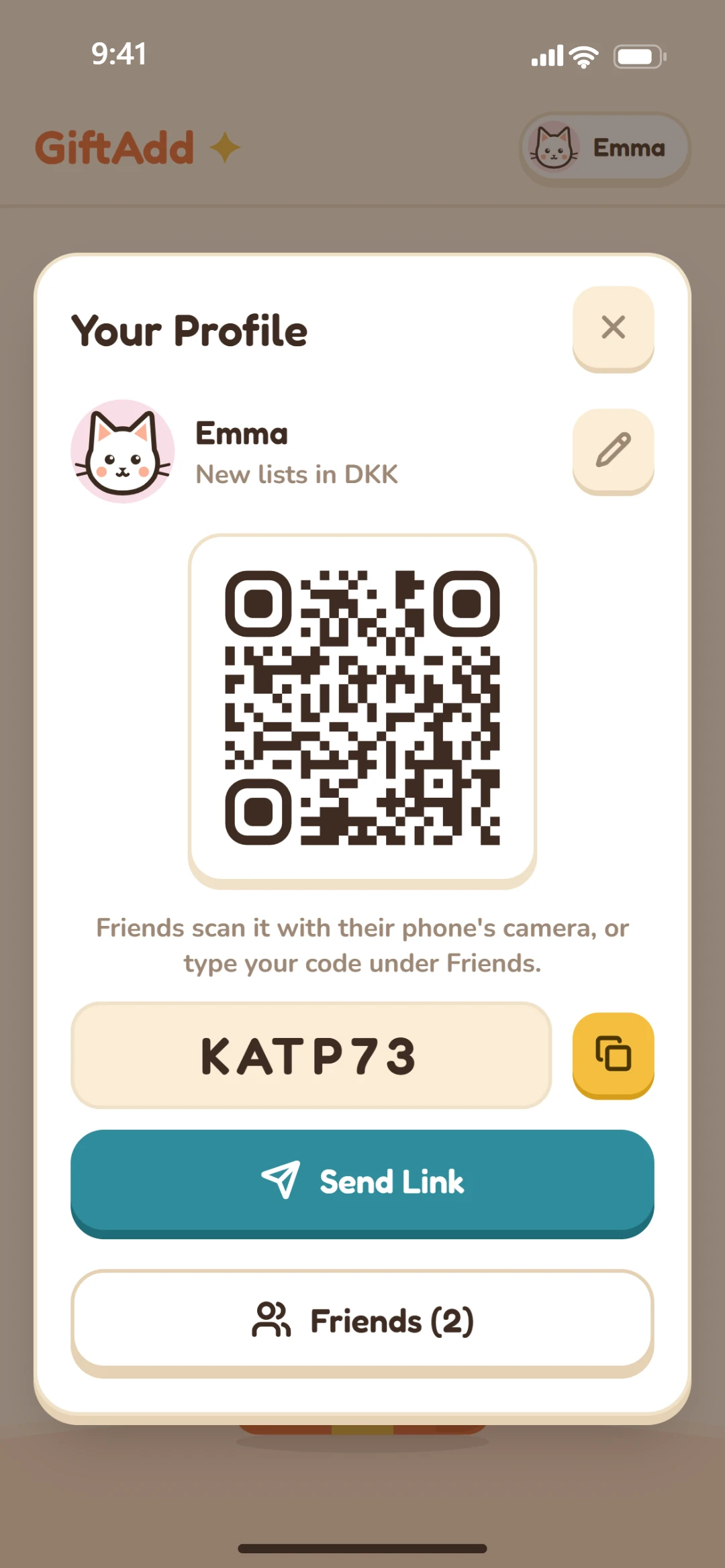
Pick an animal and a color. Share your QR code, link or friend code, and you're friends on both sides as soon as someone uses it.
Go by a different name in each list if you like: “Mom” in one, your own in another.
Under the hood
What's next
The phone app comes first. These follow.
All your lists in the browser, the same as on your phone.
PlannedSpot something in an online shop, click the extension's button, pick a list, done.
PlannedA nudge before the birthdays of the people you know, so there's time to find a gift.
PlannedGiftAdd is coming to iPhone and Android first, with a website and a browser extension after.